Private photo management. No server to deploy.
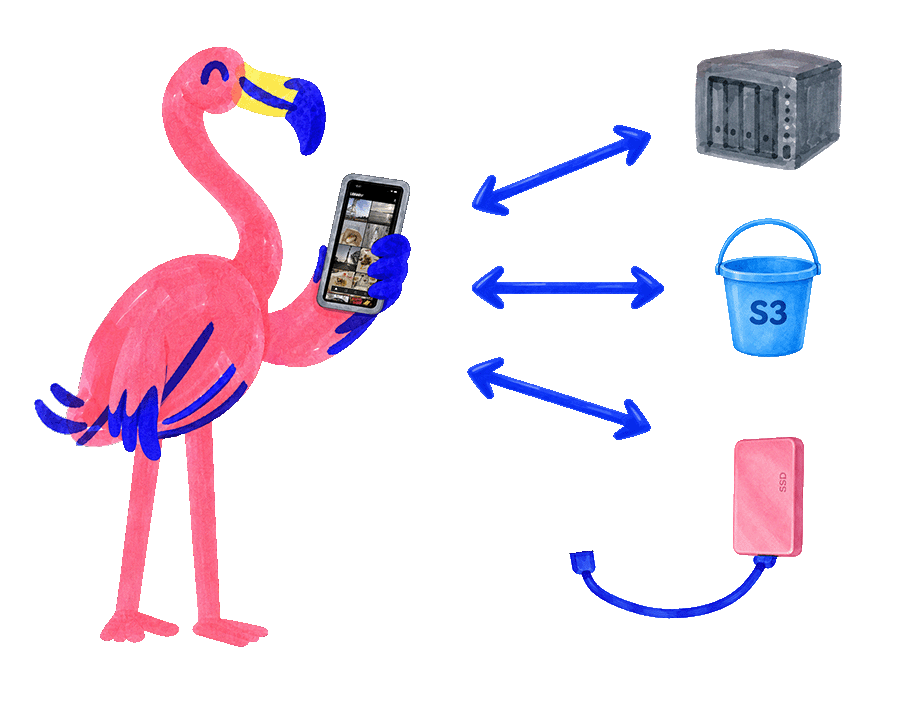

The easiest way to sync your photo library to storage you control
Existing solutions
- Follow a long tutorial to install a photo server on your NAS or home server.
- Set up Docker, storage paths, and configuration files.
- Keep the server and its services running.
- Handle updates and database migrations when they arrive.
- Set up and manage backups outside the photo app.
With Lasco
- Download the app on your phone.
- Connect your NAS or S3 bucket.
- Sync.
A backup is just another remote
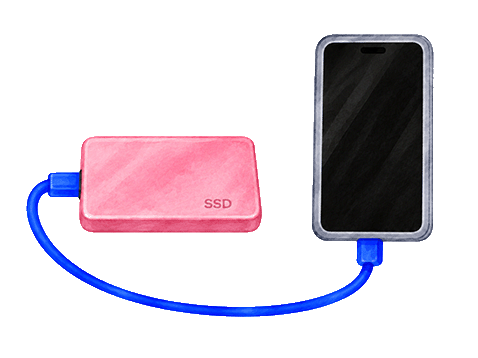
Plug in a USB drive, add it as a remote, and sync.
- No server to self-hostSyncs directly from the app to the storage you control. No backend to deploy and maintain.
- S3 bucket
- NAS (SMB server)
- USB drive
- Lasco Cloud
- Multi-deviceChanges from all your devices merge safely thanks to CRDT algorithms.
- Open sourceLicensed under GPLv3.
- Native appsBuilt natively for iOS and Android.
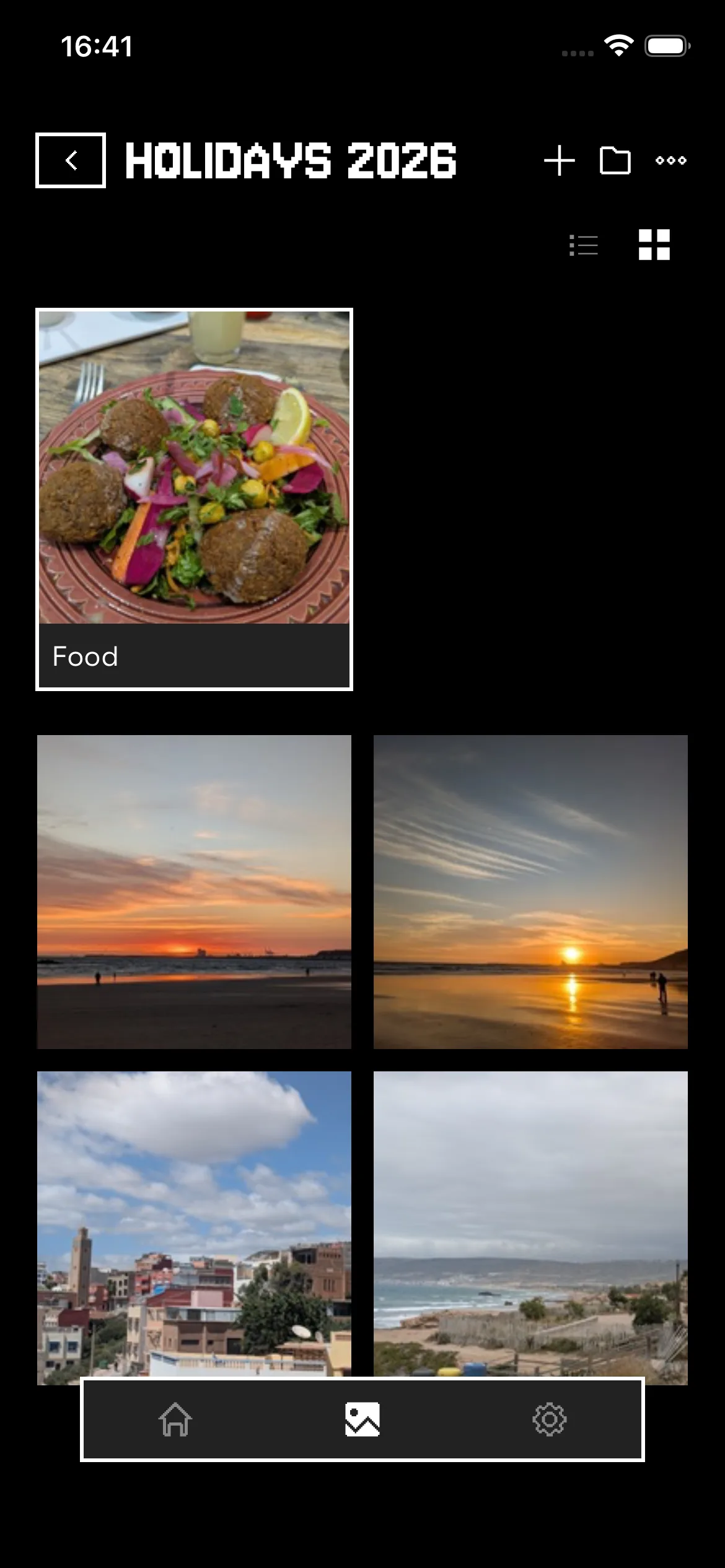
- E2EEYour photos are encrypted on your device before they leave.
- Multiple usersAdd people to your library and build memories together.

Get started
Download the app
Set up a remote
- S3 bucket
- NAS (SMB server)
- USB drive
- Lasco Cloud
Import your library Optional
On iOS, import iCloud or local photos through the app. On Android, import photos from your device.
Keep using your library
Add new photos, organize them, sync, and back up.
Lasco Cloud
The easiest way to get started with Lasco.
Get started
50 GB
Monthly
$2.99/ month
Annual
$2.49/ month
Billed yearly
- 50 GB of encrypted photo storage
- Two remote copies of your library (2 × 50 GB)